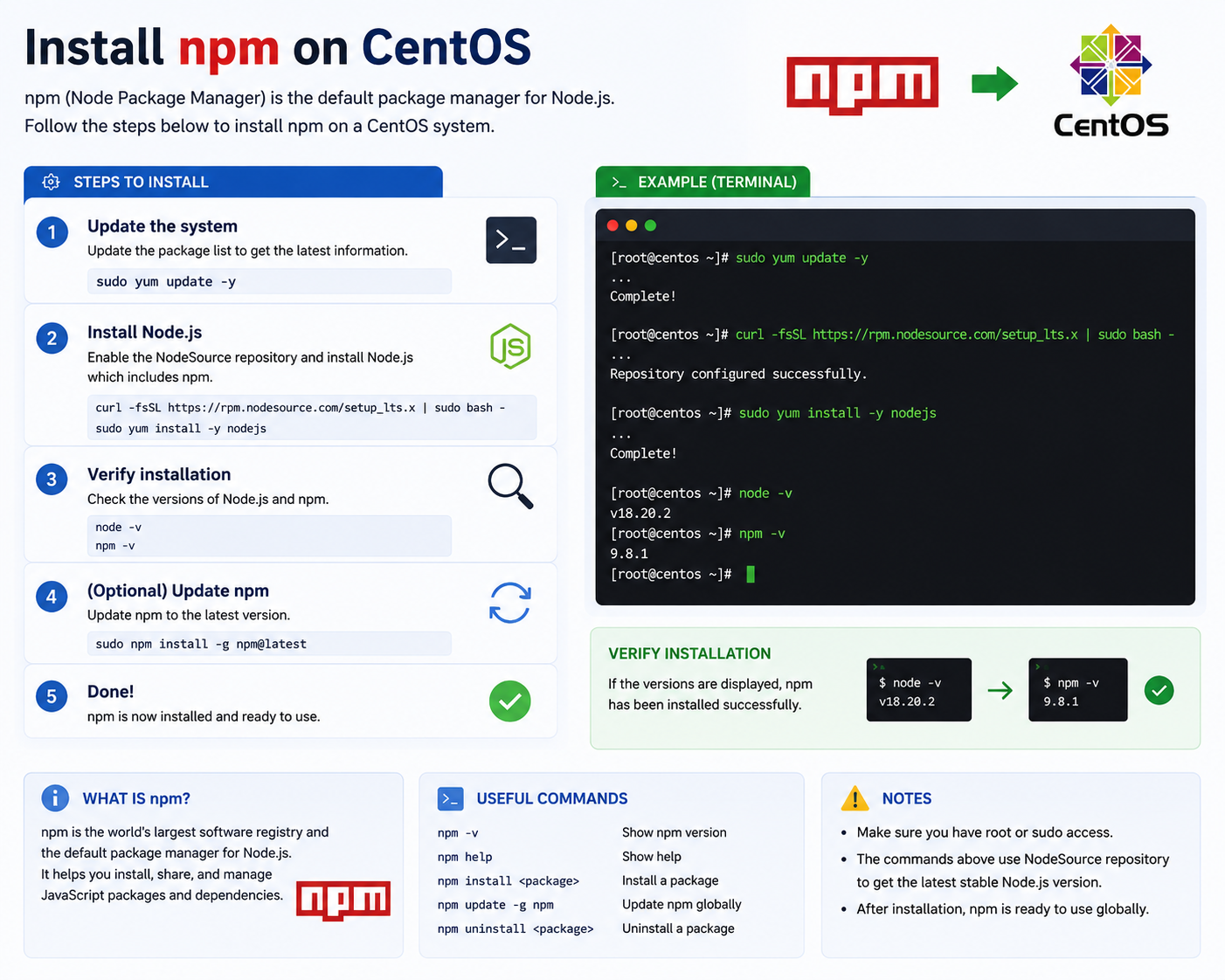
Install npm on CentOS
What is npm?
npm (Node Package Manager) is the default package manager for Node.js.
It is used to install, manage, and update JavaScript packages and dependencies for web development projects. npm is commonly used with frameworks and libraries such as:
- React
- Vue.js
- Express.js
- Next.js
How to Install npm on CentOS
1. Update the System
First, update your CentOS packages to the latest version:
sudo yum update -y2. Install Node.js and npm
npm is included when installing Node.js.
Run the following command:
curl -fsSL https://rpm.nodesource.com/setup_lts.x | sudo bash -
sudo yum install -y nodejs
This command installs:
- Node.js
- npm
- Required dependencies
3. Verify the Installation
Check whether Node.js and npm are installed correctly:
node -v
npm -v
Example output:
v18.20.2
9.8.1
4. Update npm (Optional)
To upgrade npm to the latest version:
sudo npm install -g npm@latestCommon npm Commands
| Command | Description |
|---|---|
npm init | Create a new Node.js project |
npm install | Install project dependencies |
npm install package-name | Install a specific package |
npm update | Update installed packages |
npm uninstall package-name | Remove a package |
Benefits of npm
- Easy package management
- Access to thousands of open-source libraries
- Faster development workflow
- Dependency management automation
- Widely used in modern web development
Example Usage
Install the popular Express framework:
npm install expressThis command downloads and installs the Express package into your project directory.