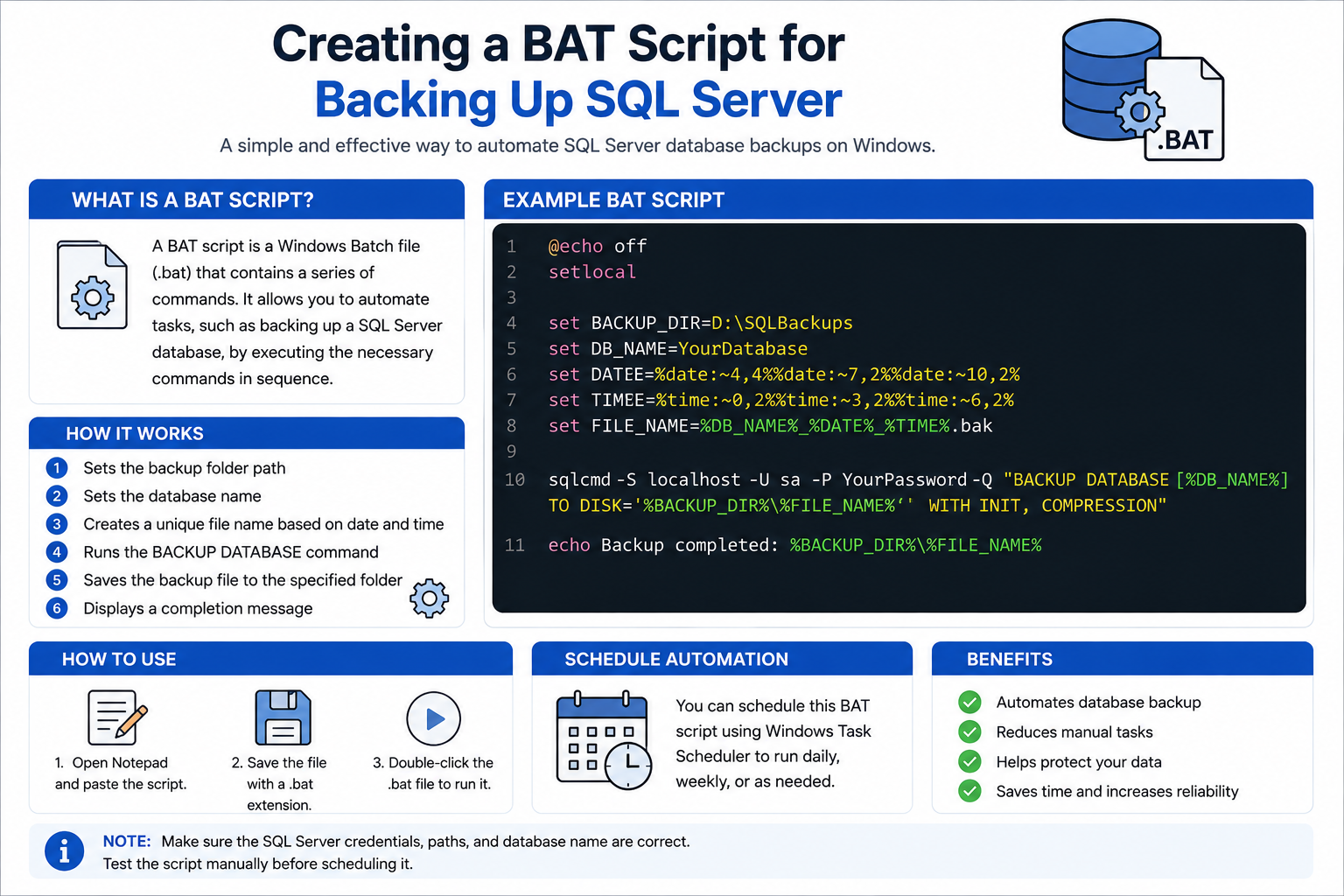
Backing up a database is one of the most important tasks in database administration. A backup helps protect data from hardware failure, accidental deletion, corruption, or system crashes. One simple way to automate SQL Server backups on Windows is by using a BAT script.
A BAT script, also known as a batch file, is a text file containing a series of command-line instructions executed automatically by Windows Command Prompt. By combining SQL Server commands with a BAT file, database backups can be performed quickly and consistently without manual work.
What is a BAT Script?
A BAT script is a Windows Batch file with the .bat extension. It contains commands that Windows executes sequentially. These scripts are commonly used to automate repetitive tasks such as:
- File management
- System maintenance
- Running programs
- Database backups
For SQL Server, a BAT script can automatically run backup commands and save the backup files to a specified folder.
Why Use a BAT Script for SQL Server Backup?
Using a BAT script provides several advantages:
- Automates the backup process
- Reduces manual work
- Saves time
- Prevents human error
- Helps maintain regular backups
- Can be scheduled using Windows Task Scheduler
This method is especially useful for administrators managing multiple databases or servers.
How a SQL Server Backup BAT Script Works
The process generally works as follows:
- The BAT script starts running
- SQL Server credentials and database information are loaded
- A backup file name is generated automatically
- The
BACKUP DATABASEcommand is executed - The backup file is saved into a backup directory
- A completion message is displayed
The script can also include timestamps to create unique backup filenames every time it runs.